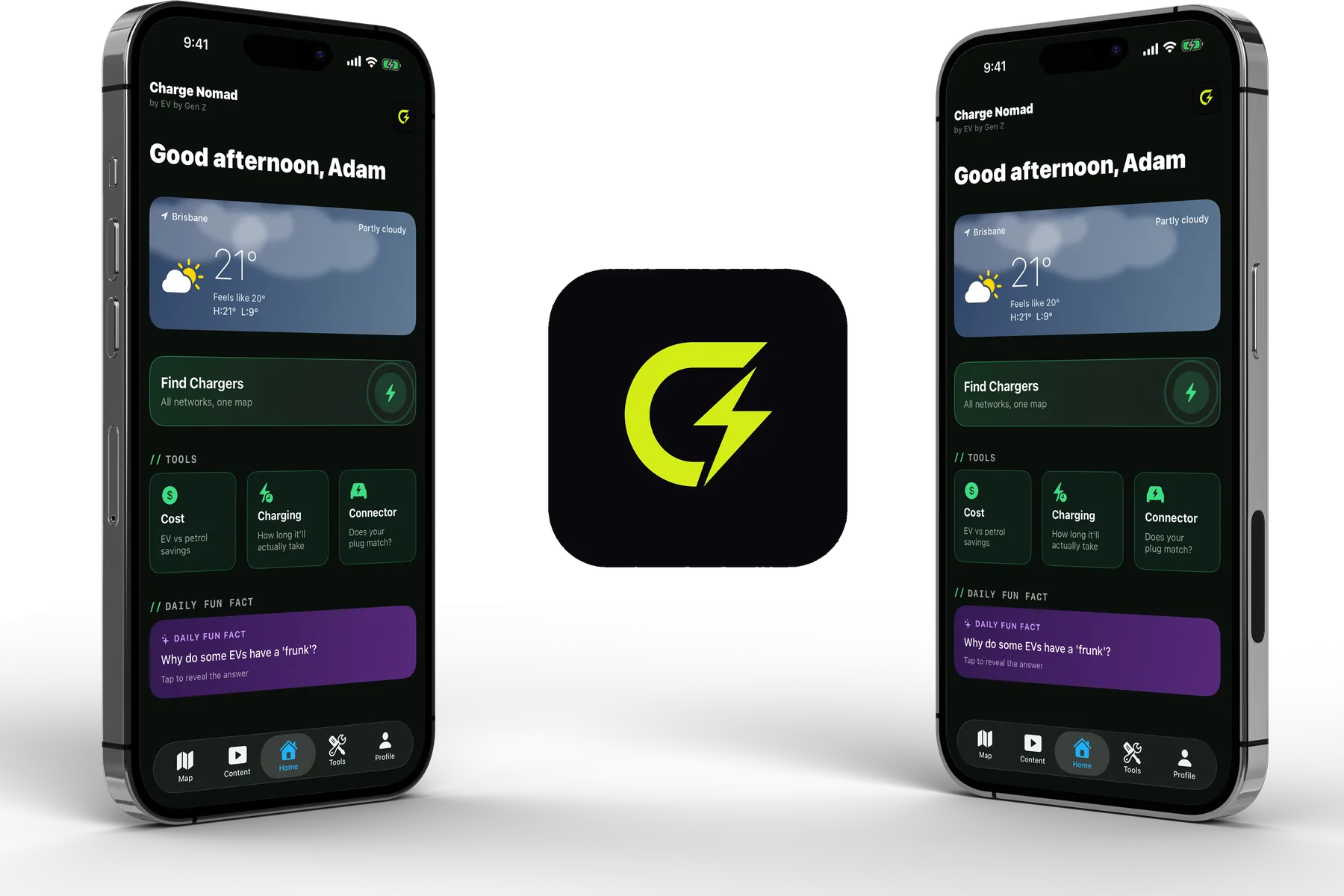

Charge Nomad.
Charging, sorted.
An EV charging app built by Adam for drivers in Australia and New Zealand, free to download and free for most of what you will do with it. Find a charger right now, plan a trip that involves charging, answer the numbers questions EV drivers actually ask, and get out of trouble when a charge does not go to plan.
Free to download · No ads · Optional Charge Nomad+ upgrade
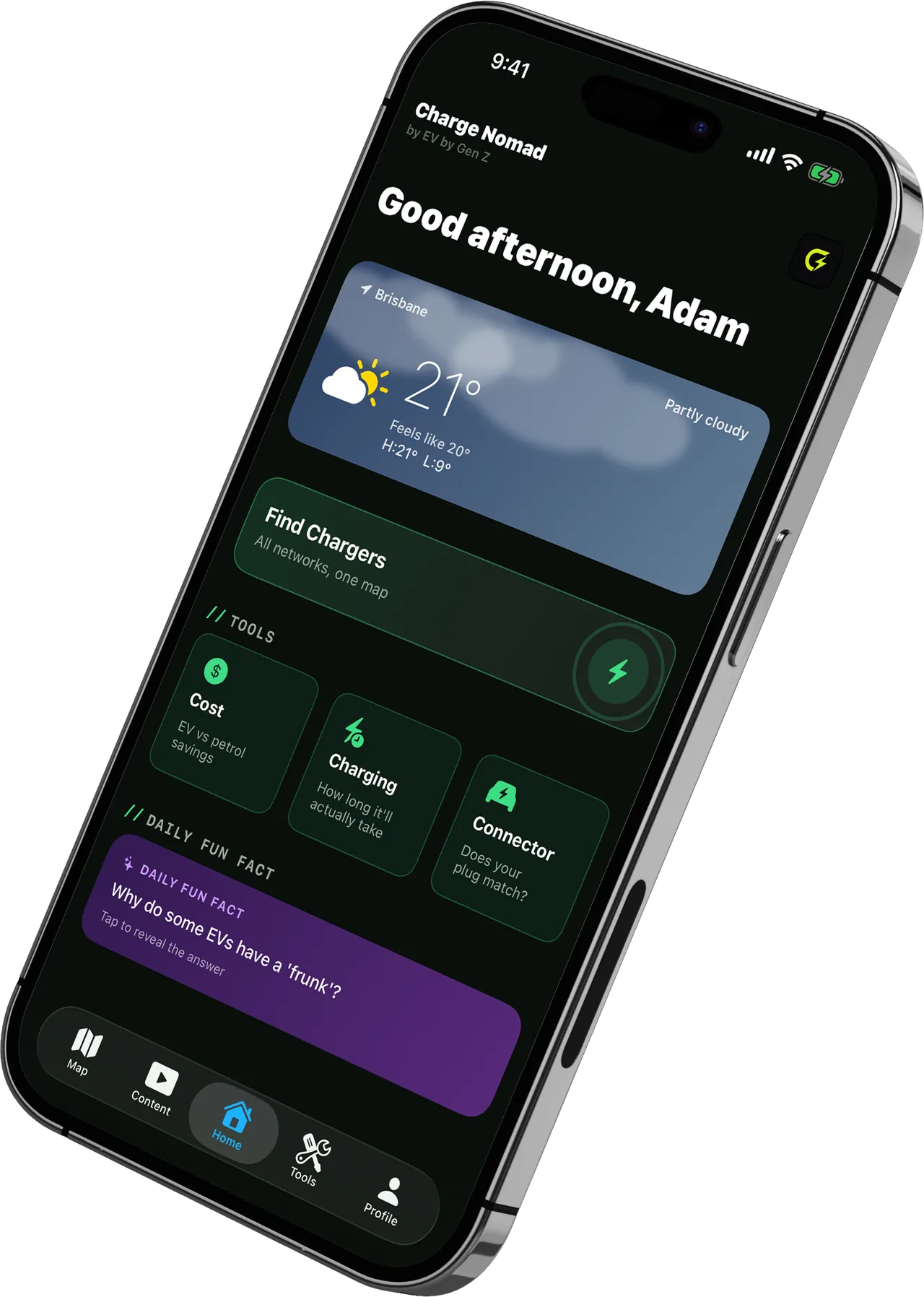
// 01 FIND
A charger, right now
Open Charge Map data plus stations added by other drivers, filtered to the plugs your car can actually use.
// 02 PLAN
A trip with charging in it
Charge Nomad+Stops worked out around a safety margin you set, not around arriving on fumes.
// 03 CALCULATE
The numbers you actually ask
Real range, charge time, trip cost, off-peak savings. All on-device, no signal needed.
// 04 RESCUE
When it goes wrong
Stranded mode: the nearest usable charger, right now, with nothing in the way.
Power your adventures
Charge Nomad is free to download and most of it is free to use, with no ads anywhere in the app. Charge Nomad+ is optional and adds the Route Planner, the Range Estimator, a bigger garage, home-screen widgets, customisation, saved trips in CarPlay and a few extras. The rest is free.
Charge Nomad is on Google Play
Charge Nomad is on Android too. It runs on Android 8 and up, free to download with no ads, with the same charger map, trip planning and on-device calculators for Australia and New Zealand.
Home-screen widgets
Seven of them on Android, including Nearest Charger, Range and Quick Trip Cost, so the answer is on your home screen before you open the app. Part of Charge Nomad+.
Two-factor sign-in
On Android you can turn on two-factor authentication with an authenticator app.
Charge Nomad+ on Android
Monthly and yearly plans, with a 7 day free trial on the monthly plan. The price is shown in Google Play before you buy and varies by country.
iPhone only, for now
Network Prices, Running Costs, stop strategy, return trips and the trip cost receipt are on iPhone only at the moment.
Free to download · No ads · Android 8+
Every charger near you, honestly labelled
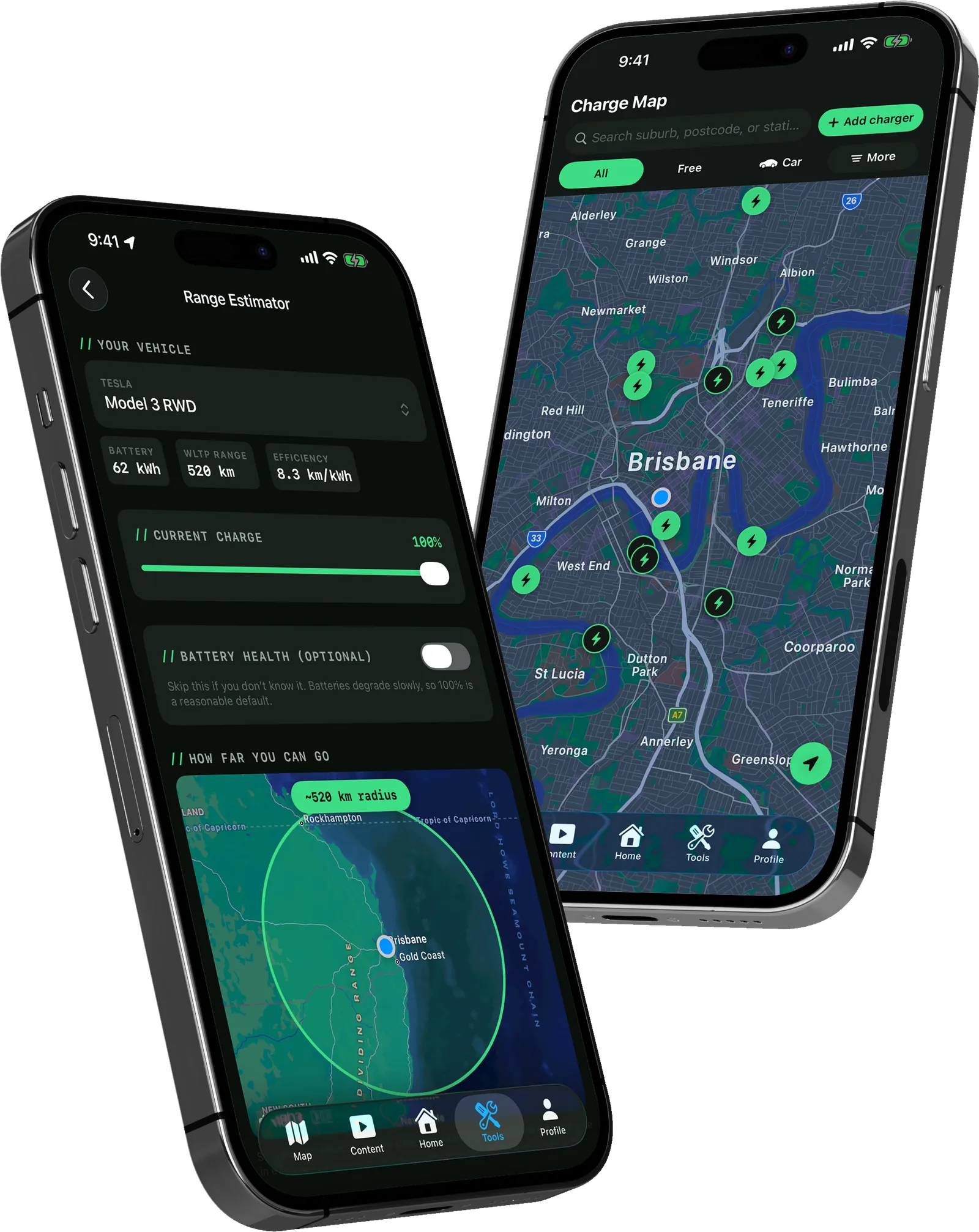
Chargers are plotted around your location or anywhere you search. Filter by connector type, power output or cost, so you only see stations your car can use. Fast charging is classified at 50kW DC and above, the standard industry cutoff.
Free means free. A station is only marked free when the operator explicitly says so. A blank cost field is treated as unknown, never as free.
The community layer
Star ratings and short notes from other drivers sit on top of every station, alongside address, connectors, pricing and operator.
Missing a station?
Submit it. User-added chargers get their own IDs so they never collide with the Open Charge Map database, and they appear alongside everything else.
From a charger you can get directions, save it to favourites, leave your own rating or note, or report anything inaccurate. Favourites are stored on your device for quick access. Prefer a list to a map? There is a nearby list view too.
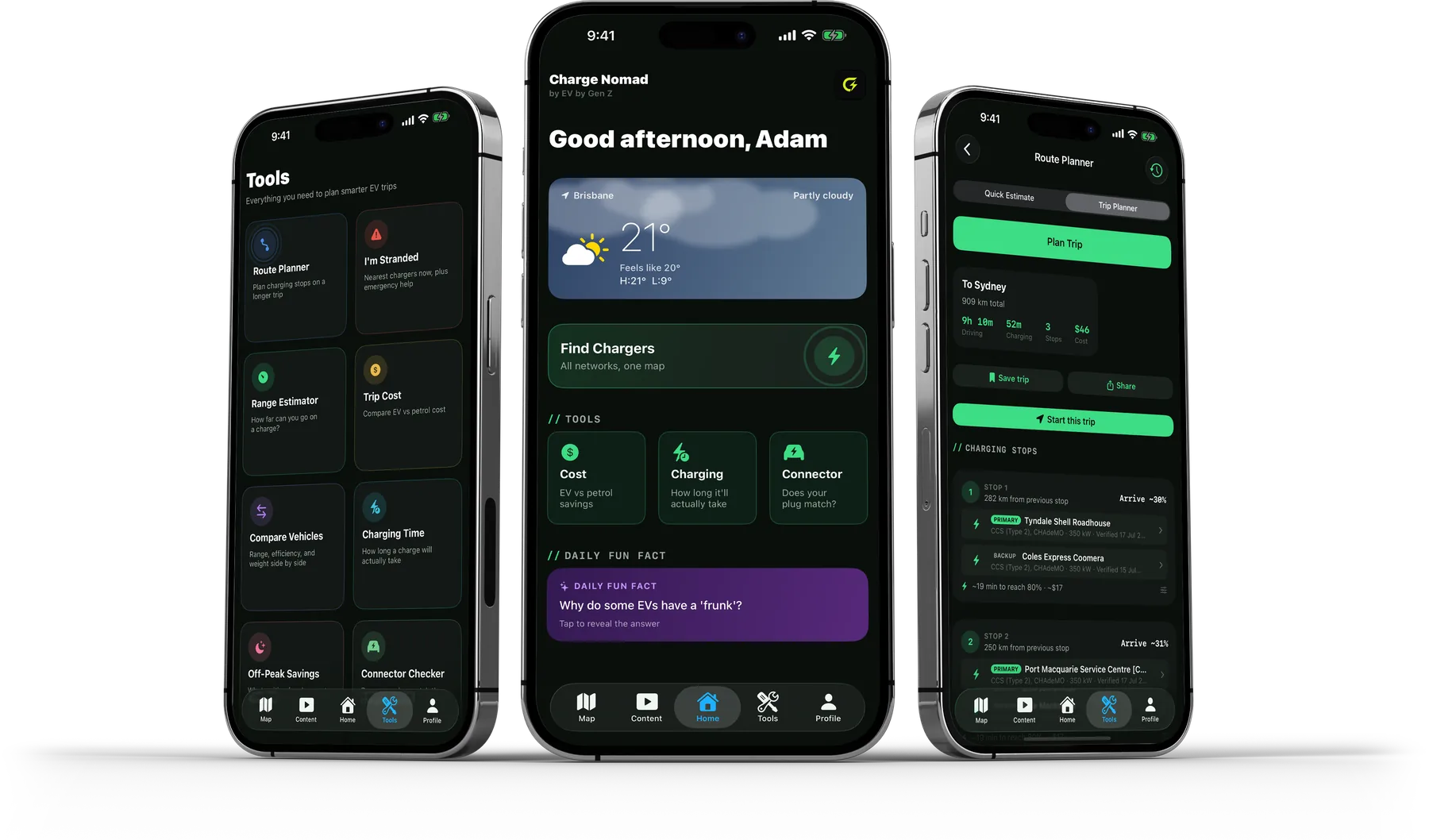
Six calculators, all working offline
Every one of these runs entirely on your device. No connection required, which matters exactly when you are somewhere with no signal and a decision to make. Five of the six are free. The Range Estimator is part of Charge Nomad+.
Range Estimator
Charge Nomad+Real range from your battery percentage and battery health, rather than the brochure figure.
Charging Time
How long a given stop will actually take, so you know whether it is a coffee or a meal.
Trip Cost
The electricity cost of a drive, and how it compares with doing the same trip on petrol.
Off-Peak Savings
What shifting your home charging to off-peak hours is actually worth over time.
Connector Checker
Whether a plug fits your car, answered before you drive across town to find out.
Vehicle Comparison
Two cars side by side on range and efficiency, useful if you are still deciding what to buy.
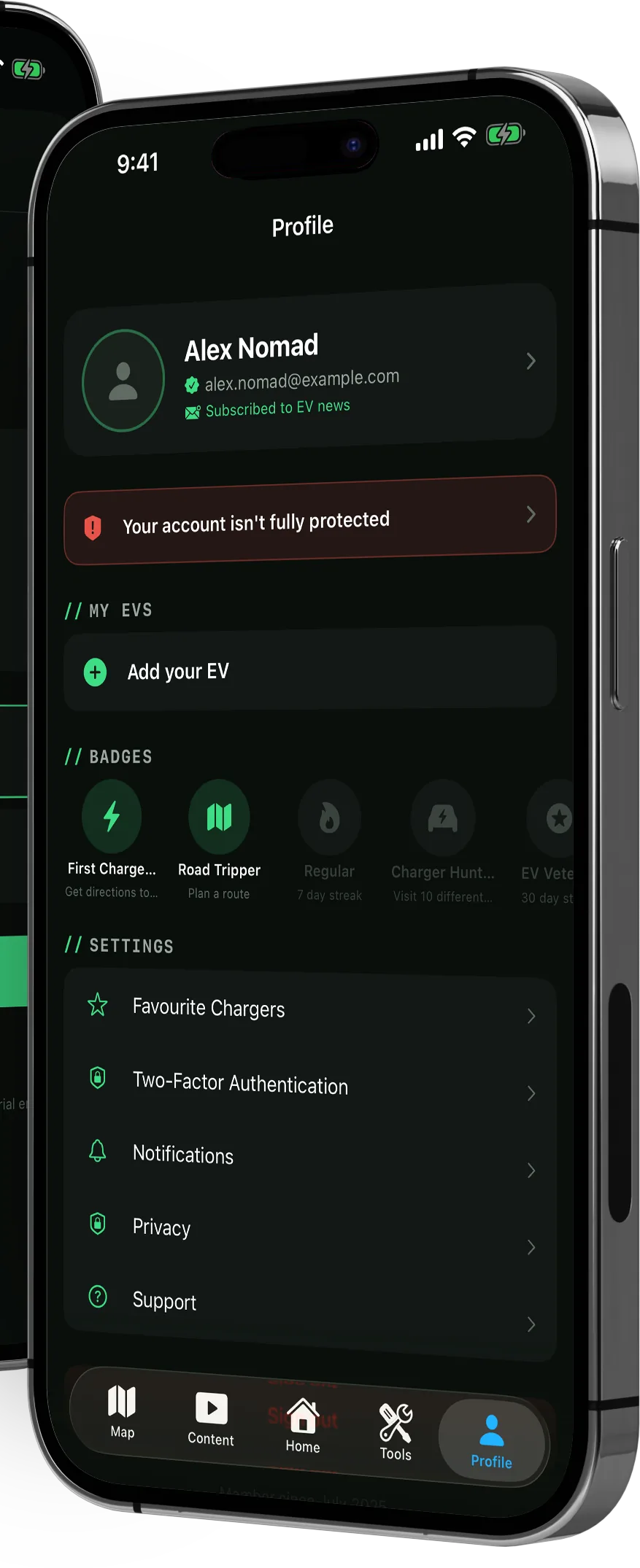
Everything in your control, including leaving
Sign in is your email plus a code sent to that address. From Profile you can edit your account and photo, manage notifications, open the privacy screen and opt out of analytics, and file support tickets that you can track.
You can also delete your account and its data entirely from inside the app. No email to send, no form to find.
Streaks and badges
A light layer of app-open streaks and badges, plus impact stats, a monthly digest and shareable stat cards.
Content tab
A categorised feed of tips and EV news, in its own tab rather than scattered through the app.
No ads. Nothing sold. Your location stays on your phone.
There are no adverts anywhere in Charge Nomad, your data is never sold, and the app works out where you are without sending that anywhere. Where it does make money, it is from an optional upgrade you choose to buy, not from your driving habits.
For the technically minded: on iPhone that is achieved with zero third-party SDKs. No ad networks, no tracking libraries, no analytics leaving the device. Every dependency is either Apple's own or built in-house.
Analytics that do nothing
Analytics are wired but currently a no-op sink. Nothing leaves the device. When telemetry does ship, events carry no personal information and any coordinates are rounded to two decimal places, roughly a kilometre.
Location, when in use only
There is no background tracking. Location is processed on your device to show nearby chargers and plan from where you are.
Stored properly
Personal data is held in the Keychain and your profile photo under full file protection. Server side, every table runs row-level security, with rate limits in front of the email and account-deletion endpoints.
Paid placement, always labelled
Any paid placement anywhere in the app must carry a Partner or Sponsor label. That is a release blocker, not a guideline. The partner, affiliate and sponsor systems are built but shipped switched off.
The things people ask first
Is it on Android?
Yes. Charge Nomad is on Google Play for Android 8 and up, and on the App Store for iPhone on iOS 17 and up. There is no web, tablet-specific or watch version.
Is it free, and what is Charge Nomad+?
Charge Nomad is free to download and most of what it does is free to use, with no adverts anywhere in the app. The optional Charge Nomad+ upgrade adds the Route Planner, the Range Estimator, more than one car in your garage, home-screen widgets, customisation, saved trips in CarPlay, and small extras like a Plus badge on your profile and an achievement badge. Finding a charger, the community map, charging time, trip cost, off-peak savings, the connector checker, vehicle comparison and Stranded mode are all free. On iPhone, Charge Nomad+ is $4.99 a month or $39.99 a year in Australia, with a 7 day free trial on the monthly plan. Prices vary by country and are shown in the store before you buy.
Do I need an account?
Yes, sign-up takes your name, email and vehicle, and confirms the email with a one-time code. Your full profile is stored on your phone, and you can delete the account from inside the app at any time.
Where does the charger data come from?
Open Charge Map and OpenStreetMap, plus stations submitted by other drivers, which are reviewed before they appear. On iPhone, routing and maps come from Apple MapKit.
Does it show live availability?
No, and no app should promise that here. Listings can be occupied, broken or offline without the data reflecting it, which is exactly why the trip planner works to an arrival buffer you set.
Does it work in New Zealand?
Yes. Charge Nomad covers Australia and New Zealand, and the vehicle catalogue is weighted to what sells in this part of the world.
What if I have no signal?
All six calculators run entirely on your device, so range, charging time, trip cost and the rest still work with no connection. The map and trip planner need data to fetch chargers and routes.